Architectural Technical Datasheets and CAD Drawings for PU Faux Wood Beam Projects
Professional construction documentation bridges design intent and completed installation. Technical datasheets and CAD drawings provide the precise information contractors need to order, receive, and install faux wood beams correctly on the first attempt.
Purpose of Technical Documentation
Technical datasheets consolidate essential product information into standardized formats that design professionals and contractors reference throughout project timelines. These documents answer practical questions about sizes, weights, load capacities, and installation methods without requiring direct communication with manufacturers during critical construction phases.
CAD drawings translate two-dimensional design concepts into detailed installation guidance. Elevation views, cross-sections, and connection details show exactly how beams integrate with surrounding architectural elements, structural systems, and mechanical components.
Contents of Comprehensive Technical Datasheets
Effective technical datasheets begin with product identification including manufacturer name, product line, and model numbers. Physical dimensions in both metric and imperial units accommodate international project teams and varying regional conventions.
Material specifications document the polyurethane formulation, including density, thermal resistance range, and fire performance characteristics. Relevant test standards and resulting classifications provide third-party verification of manufacturer claims. SDS (Safety Data Sheets) reference enables proper handling during storage and installation.
Structural data addresses load capacity for ceiling mount applications and any limitations on point loads or hanging weight from beam surfaces. This information guides selection of appropriate mounting hardware and attachment spacing.
Installation specifications detail required tools, mounting methods, fastener types, and acclimatization requirements. Environmental limits for installation conditions help contractors avoid problems from temperature extremes or humidity during application.
CAD Drawing Types and Applications
Plan view drawings show beam layout as seen from above, indicating location, spacing, and relationship to walls, columns, and other ceiling elements. Dimensions and coordinate references enable accurate field layout and installation.
Elevation drawings present beam appearance from normal viewing positions, showing texture orientation, end detail treatment, and integration with wall mouldings. These views verify aesthetic intent before production.
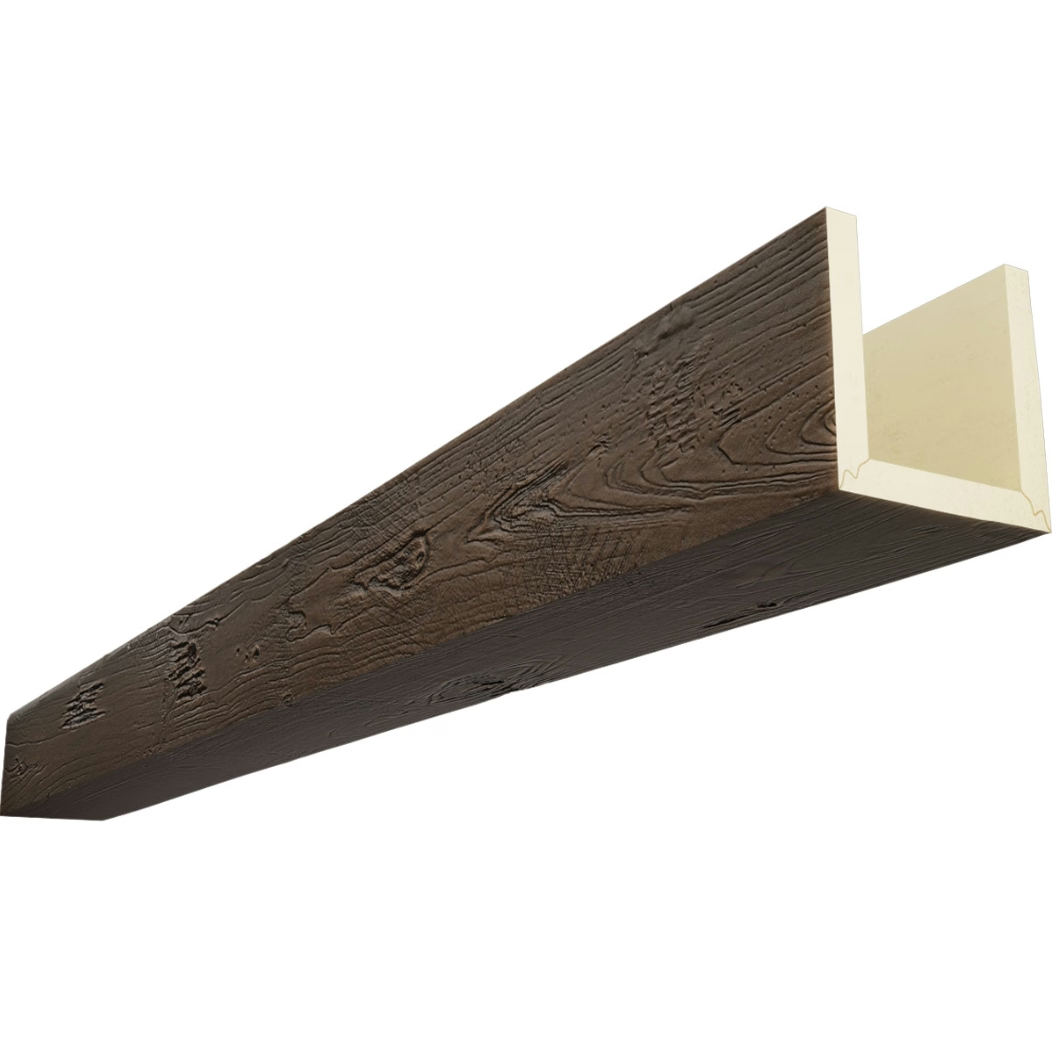
Cross-section details reveal internal construction, mounting provisions, and connection methods. Detail drawings at larger scales clarify how beams attach to structural elements and how joints between beam sections are handled.
Electrical integration drawings show how lighting fixtures, speakers, and other ceiling-mounted equipment relate to beam placement. Coordination drawings prevent conflicts between trades that might otherwise result in beam modifications or repositioning after installation.
BIM Integration Capabilities
Building Information Modeling workflows increasingly dominate commercial construction documentation. Faux wood beam manufacturers offering BIM objects enable architects and engineers to incorporate beams directly into project models that support coordination, visualization, and quantity takeoffs.
BIM families for parametric CAD software allow design adjustments without redrawing. Beam lengths, widths, and profile selections modify automatically when parameters change, maintaining documentation consistency throughout design development.
Construction managers benefit from 4D scheduling integration where beam installation sequences appear in animated project timelines. This visualization helps identify sequencing constraints and coordinate with other trades.
Drawing Revision Control
Professional documentation systems track drawing revisions systematically. Revision numbers, date stamps, and revision descriptions appear in title blocks and revision histories. Contractors should verify they work from current revisions before proceeding with fabrication or installation.
Specifiers should establish clear procedures for requesting design changes after documentation distribution. Change orders documenting modifications protect all parties and maintain construction record accuracy.
Sample Documentation Requests
Projects with custom configurations or specialized finishing benefit from pre-production sample documentation. Photographs, physical samples, and material data sheets submitted for approval before manufacturing begins reduce costly errors and rework.
Documentation requests should specify required formats, quantities, approval timelines, and distribution lists. Establishing these requirements early in project schedules prevents documentation-related delays during fabrication phases.
Quality manufacturers provide comprehensive technical documentation packages that streamline specification and installation processes for projects of all sizes and complexity levels.
Digital Delivery and File Format Standards
Modern construction documentation increasingly relies on digital file exchange. Standard formats including DWG (AutoCAD), DXF, PDF, and IFC (Industry Foundation Classes) ensure compatibility across software platforms used by design teams and contractors.
Cloud-based document management systems facilitate collaboration between geographically distributed project teams. Version control, access tracking, and approval workflows built into these platforms improve documentation quality and reduce miscommunication.

Technical References
ASTM standards cited in every specification
Test Data
Lab results from internal testing program
Updated 2026
Reviewed against current product specs