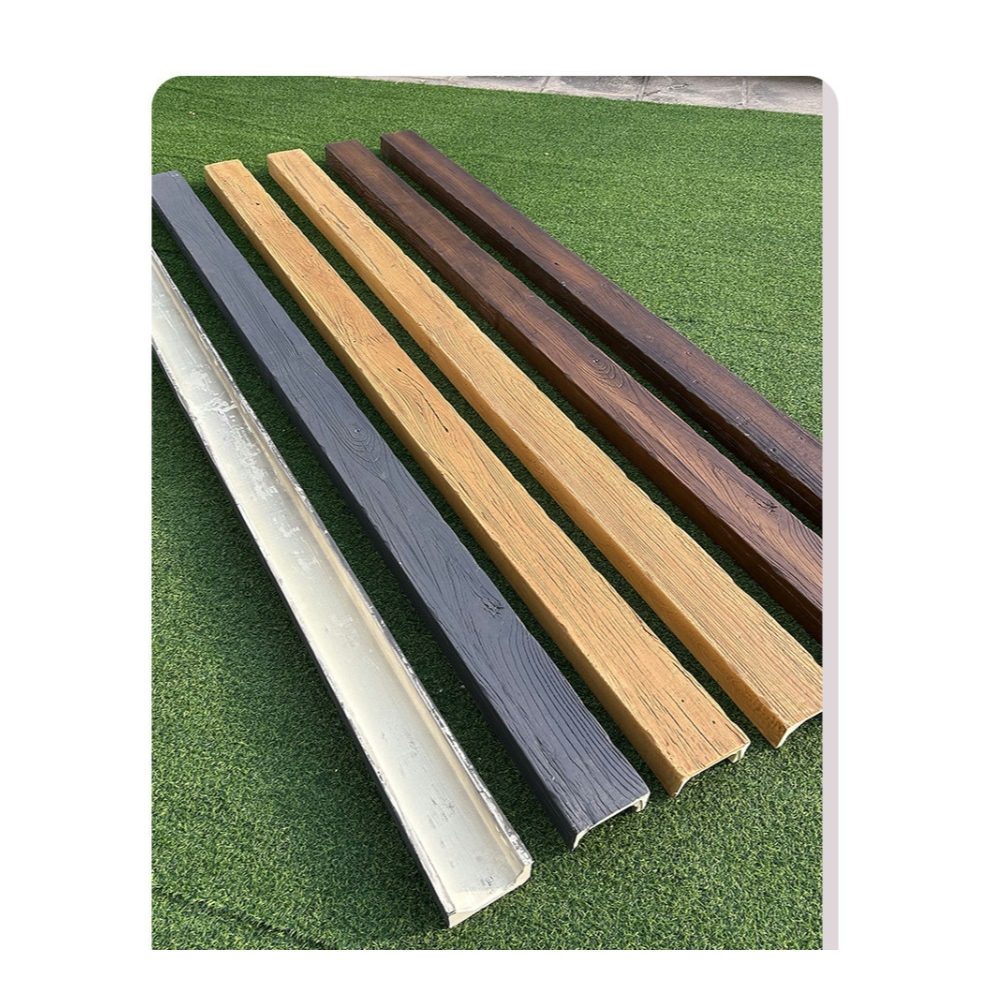
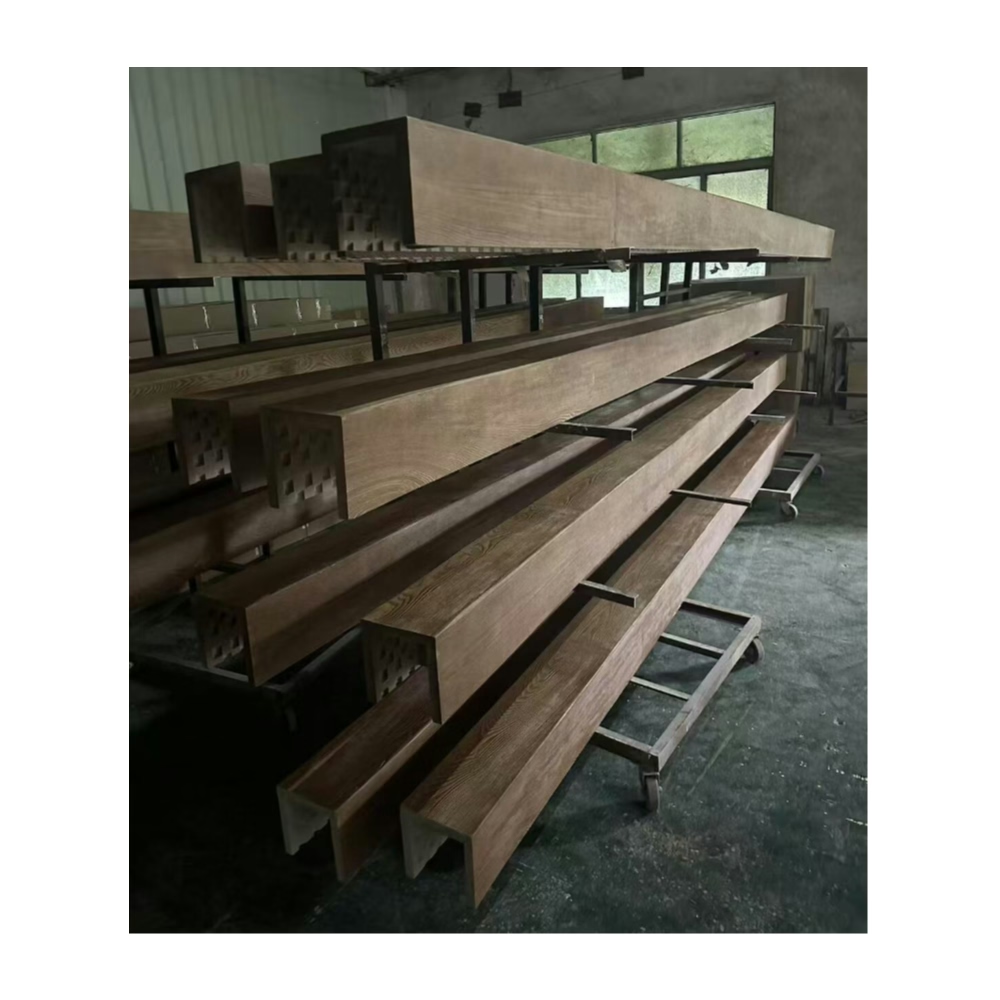
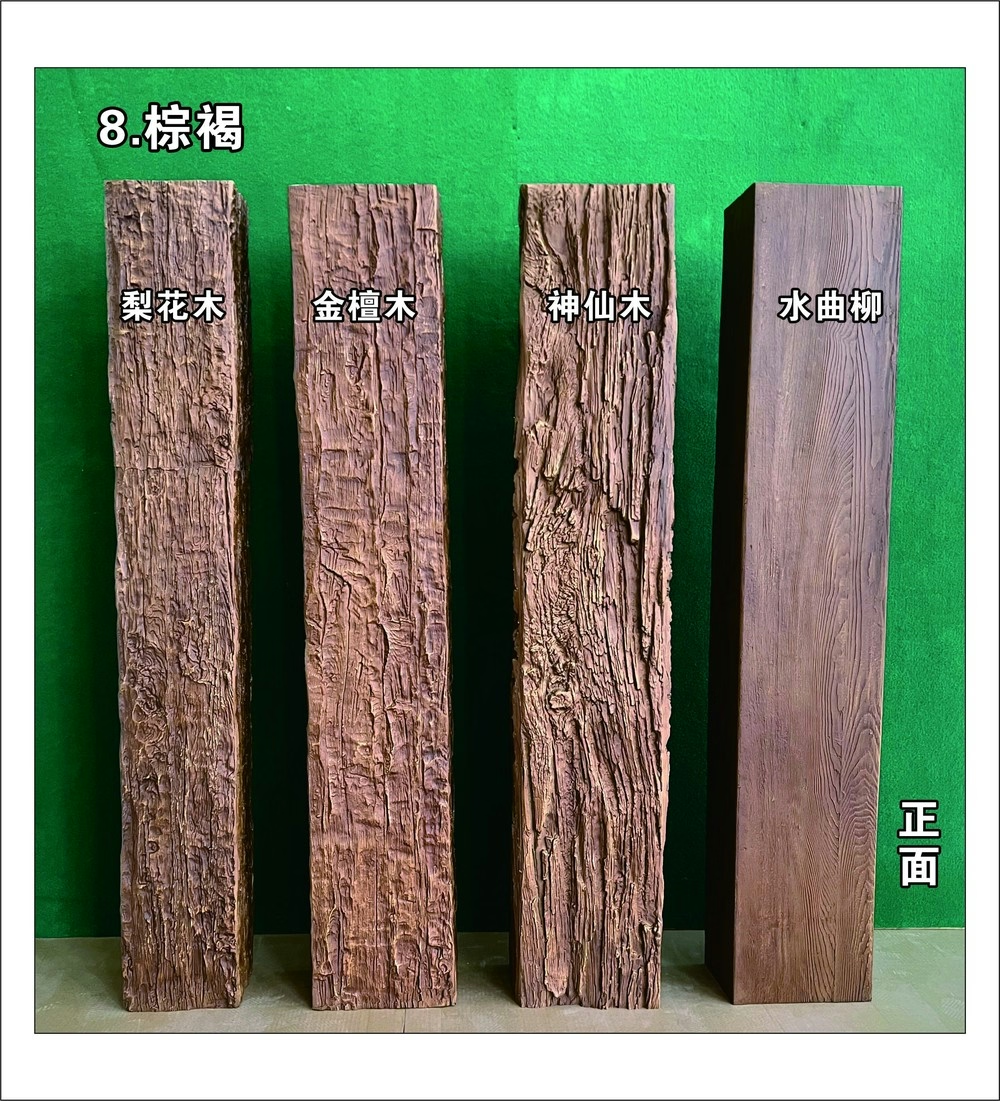
The technical specification datasheet sits in a different role than the marketing brochure and the technical data sheet, even though all three describe the same product. The brochure sells. The technical data sheet proves. The specification datasheet tells the installer and the specifier exactly what they need to put the beam in a building correctly.
For polyurethane faux beams, this datasheet is the document that travels from the importer's office to the contractor's jobsite trailer. It gets laminated. It gets coffee-stained. It gets pulled out when the foreman has a question about mounting hardware, when the code inspector wants to verify a fire rating, and when the project manager is signing off the final delivery.
Distinguishing features of a specification datasheet
A specification datasheet differs from a TDS in two important ways. First, it is organized around how a building is constructed rather than around how a product is formulated. The TDS starts with chemistry; the datasheet starts with installation. Second, the datasheet includes information that the installer needs but the engineer does not, such as fastener spacing, joint treatment, and field adjustment techniques.
Where the TDS serves the engineer and the code consultant, the specification datasheet serves the installer, the project superintendent, and the field quality control person. The two documents should reference each other but they should not duplicate each other. Reading them together gives a complete picture; reading either one alone leaves gaps.
Section structure for installation-focused datasheets
A specification datasheet is organized to follow the actual installation sequence. The installer reads the first section before they order the product. They read the middle sections while they are staging and mounting. They read the last sections during the final inspection.
Pre-installation reference data
The datasheet should open with quick-reference tables covering:
- Available profiles and lengths
- Compatible mounting hardware
- Required tools and accessories
- Storage and handling requirements
- Site condition prerequisites (temperature, humidity, substrate readiness)
These tables answer questions the installer has before the product arrives. They also serve the project manager during the planning phase, when sequencing decisions are still being made. The format should be compact—ideally fitting on a single page—so it can be referenced quickly without flipping through the document.
Substrate and structural support
Polyurethane faux beams are light, typically between 5 and 12 pounds per running foot depending on profile. But they still require proper structural support, especially when mounting across long runs or attaching accessories.
The datasheet should describe:
- Acceptable substrate types (wood framing, steel framing, concrete, masonry)
- Required fastener types for each substrate
- Spacing requirements between mounting points
- Maximum cantilever distances
- Reinforcement requirements for heavy accessory loads
This section often catches installers who have only worked with real wood beams. Real wood beams need fewer fasteners because they are heavier and more dimensionally stable. Polyurethane beams require more frequent fastening because they can flex slightly under load if the mounting is too sparse. The datasheet should state the fastener spacing explicitly rather than leaving it to installer judgment.
Joint treatment
Continuous beam runs require field joints. The specification datasheet should describe:
- Maximum spacing between joint locations
- Acceptable joint types (butt joint, scarf joint, miter joint)
- Adhesive specifications for joint bonding
- Reinforcement requirements behind joints
- Aesthetic treatment for joints that remain visible
For commercial projects with continuous beam runs over 20 feet, joint placement becomes a layout decision that affects both structural performance and visual continuity. The datasheet should give the installer criteria for choosing joint locations, not just leave it to chance.
Cutting and field modification
Polyurethane faux beams cut easily with standard woodworking tools. The datasheet should describe:
- Acceptable cutting tools (fine-tooth saw, circular saw with carbide blade, jigsaw)
- Cutting speed recommendations
- Edge treatment after cutting
- Field finishing requirements for cut ends
- Limitations on field modification (no structural alterations, no removal of reinforcement)
This section protects both the installer and the manufacturer. The installer knows what they can do in the field; the manufacturer knows that any field modifications will follow their recommended procedures. A clear datasheet prevents the situation where an installer improvises and creates a problem that wouldn't have existed if they'd had the right guidance.
Mounting hardware specifications
The mounting hardware section is often the most detailed part of the datasheet. It should include:
- Bracket types and part numbers
- Bracket materials and coatings
- Required fastener types for each bracket
- Load ratings per bracket
- Spacing between brackets along the beam
- Special brackets for corners, transitions, and terminations
For projects that don't use the manufacturer's standard brackets, the datasheet should describe the engineering requirements for alternative mounting methods. This is especially important for historic renovations where the substrate doesn't match modern construction standards.
Finishing and touch-up
Field finishing and touch-up is where many beam installations go wrong. The datasheet should describe:
- Matching touch-up paint specifications
- Application methods for touch-up
- Color matching limitations across batches
- Recommended sealing for cut ends
- Field texturing techniques when needed
A serious manufacturer ships touch-up kits matched to each finish code. The datasheet should reference the kit part number and explain when to use it. Without this guidance, installers default to whatever paint is on the truck, and the touch-up ends up two shades off the original beam.
Inspection and acceptance criteria
The final section of the datasheet should describe what a successful installation looks like. This includes:
- Visual quality standards (acceptable variation, joint appearance, finish consistency)
- Structural acceptance criteria (fastener torque, bracket engagement, accessory load testing)
- Documentation requirements for sign-off
- Warranty activation procedures
This section protects everyone. The installer knows what they're being measured against. The project manager knows what to inspect. The manufacturer knows that the installation followed their procedures and that the warranty should remain in force.


How datasheets support different stakeholders
Each stakeholder uses the specification datasheet differently. The importer uses it during the sales process to demonstrate installation support to their customers. The contractor uses it during bidding to scope labor and hardware. The installer uses it on the jobsite as a working reference. The project manager uses it during sign-off to verify compliance.
For importers serving multiple markets, the datasheet may need to exist in multiple languages. A single document with translation overlays is more efficient than maintaining separate language-specific files. The manufacturer should provide datasheets in the languages of their primary export markets, and the importer should verify that the language version matches the product version before distributing.
For projects with multiple beam profiles or finish codes, the importer should provide datasheets specific to each variant rather than a generic datasheet that doesn't address the actual products being shipped. Generic datasheets lead to field confusion when the installer references a part number that doesn't match the hardware in their crate.
Common datasheet errors to watch for
Several errors appear repeatedly in poorly constructed datasheets.
Outdated revision numbers — A datasheet that references hardware part numbers from a previous product version creates confusion when the installer can't find the parts they were told to use. The importer should verify revision numbers against the latest published version before distributing.
Missing fastener specifications — A datasheet that says "use appropriate fasteners" without specifying which fasteners are appropriate leaves the installer guessing. Different substrates, different beam weights, and different load requirements all change which fastener is correct. The datasheet should specify by part number, not by category.
Conflicting dimensions — A datasheet that shows one profile size in the diagram and another in the table creates real problems. Diagrams and tables should be cross-referenced and verified against each other.
Insufficient joint detail — Joints are where most field problems occur. A datasheet that treats joints as a single paragraph doesn't give the installer enough guidance. Joints deserve their own subsection with diagrams.
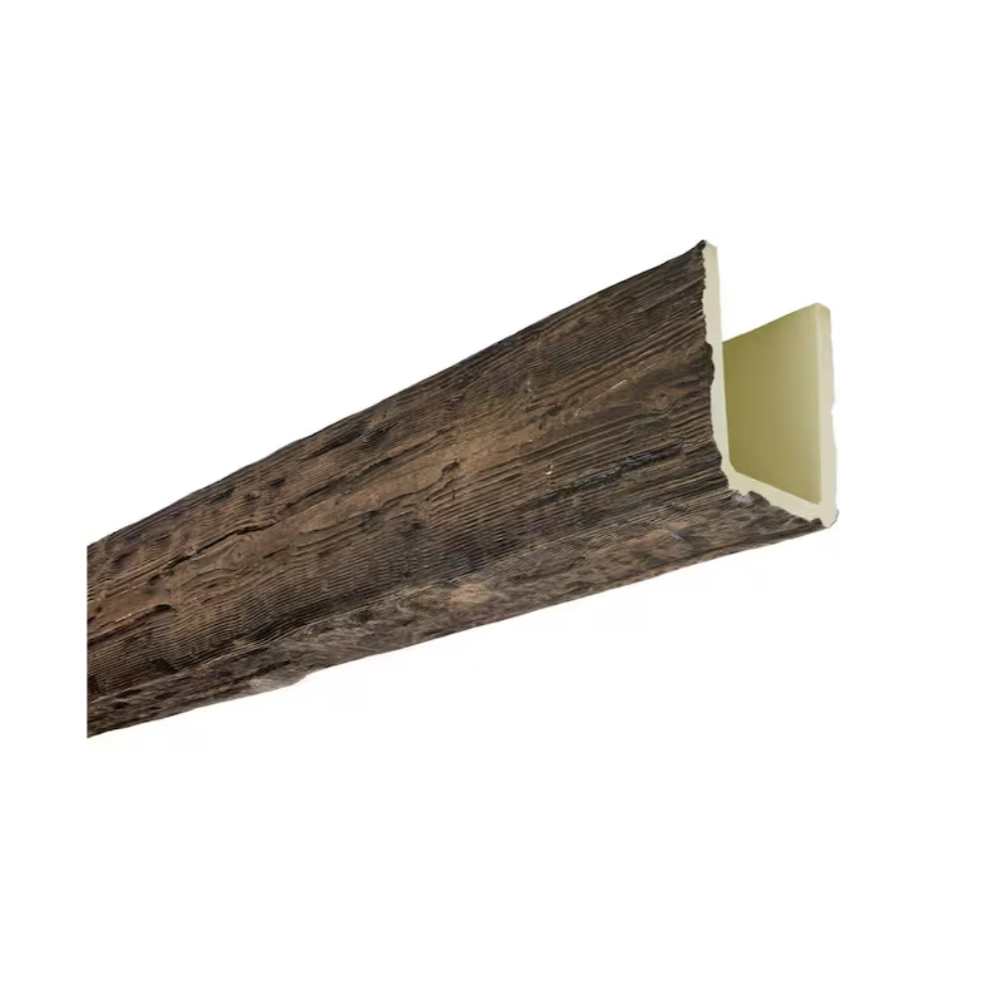
The datasheet as a quality tool
For importers managing quality across large container shipments, the specification datasheet serves as a quality control reference. Container inspections should verify that:
- Hardware quantities match the datasheet recommendations
- Bracket spacing matches the engineering requirements
- Touch-up kits are included for each finish code
- Installation guides match the current revision
When the datasheet is treated as a quality tool rather than just a sales document, container-level quality issues get caught before they reach the jobsite. This prevents the costly situation where an installer discovers mid-installation that they're missing hardware that should have been in the crate.
Training installers on datasheet usage
Many installers have never worked with polyurethane faux beams before. The first project is a learning experience regardless of how experienced the installer is with traditional materials. The specification datasheet is the training document for this learning experience.
For importers who sell to contractors who have never used the product, hosting a brief training session on datasheet interpretation can dramatically reduce field issues. The training doesn't need to be formal; it can be a 20-minute walkthrough of the datasheet's key sections, the most common installation mistakes, and the manufacturer's support channels.
Some manufacturers produce short video walkthroughs that complement the datasheet. These videos are especially useful for installers who learn better from demonstration than from text. The datasheet remains the controlling reference document; the videos supplement rather than replace it.
Datasheet integration with other documentation
The specification datasheet should reference and be referenced by:
- The technical data sheet (for material and performance properties)
- The installation guide (for step-by-step procedures)
- The finish card (for color codes and matching touch-up)
- The warranty document (for coverage terms)
- The CSI specification section (for specification language)
When these documents reference each other consistently, the project documentation holds together. When references drift, errors accumulate, and the installer ends up making decisions that contradict the specifier's intent.
For BIM workflows, the specification datasheet fields should match the BIM object properties. When an architect places a beam in the model, the model already carries the datasheet's mounting requirements, finish codes, and performance ratings. This integration prevents the model from drifting away from the actual product specification during the project lifecycle.
What to download with the specification datasheet
For a complete submittal package, the importer should provide the following alongside the specification datasheet:
- Current revision of the technical data sheet
- Finish card with numerical color codes
- Installation guide for the chosen profile
- Touch-up kit matched to the ordered finish
- Container packing list with hardware quantities
- Warranty registration form
When the importer bundles these documents into a single downloadable package, the project team gets everything they need in one place. This is the difference between a manufacturer who understands commercial documentation and one who treats documentation as an afterthought.
A specification datasheet is the most underrated document in the polyurethane faux beam documentation ecosystem. It is rarely the document that closes a sale—that's the marketing brochure or the showroom sample. But it is often the document that determines whether the project goes smoothly once the beams are on site. Investing in a thorough, accurate, well-illustrated specification datasheet pays off in fewer field calls, fewer claims, and more repeat business.
Technical References
ASTM standards cited in every specification
Test Data
Lab results from internal testing program
Updated 2026
Reviewed against current product specs