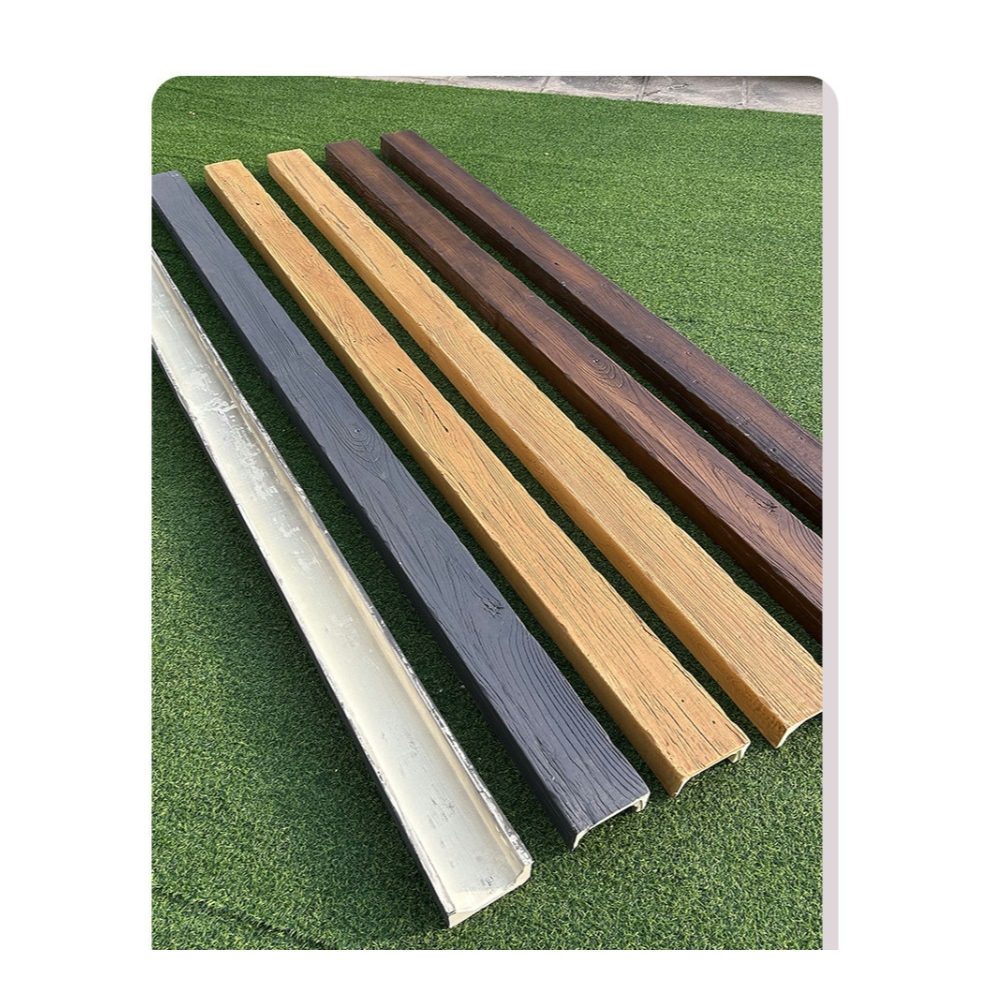
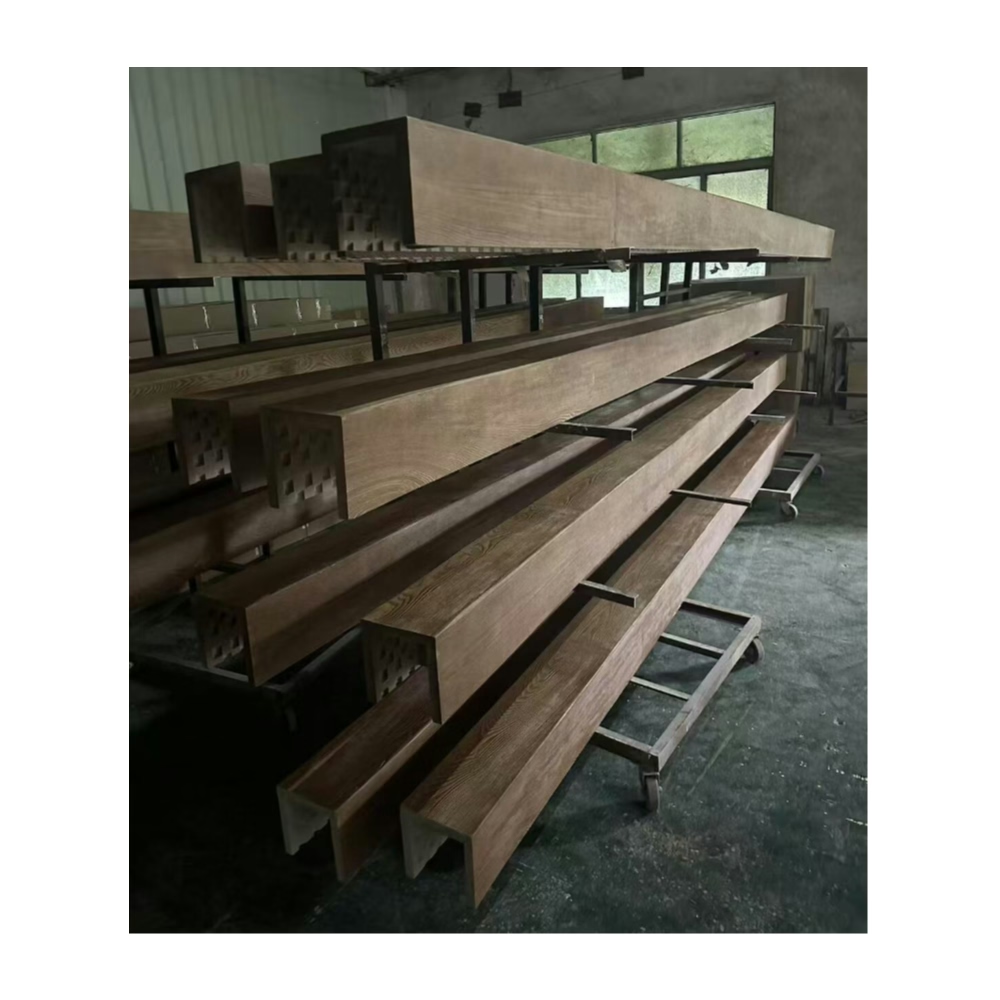
Contemporary interiors are dense with wiring. Televisions, speakers, smart home hubs, charging stations, task lighting, and wireless access points all need power and data connections, and in homes without cable management designed into the original construction, these wires become an eyesore draped across walls, snaking behind furniture, or running exposed along baseboards. Faux timber beams offer an elegant solution to this problem: by incorporating cable management channels into the beam design, you can route wiring through the ceiling in a way that is completely invisible from below, maintaining the clean appearance of the beam installation while solving a real practical problem.
The concept is straightforward: instead of running cables along the surface of the ceiling or behind walls, you run them through channels built into the back or side of the beams. The beam acts as a conduit, and the cables emerge only where needed—at a fixture location, a wall outlet, or a ceiling-mounted device. The result is a room that looks beautifully finished and is completely functional from a wiring standpoint.
Why Cable Management Matters in Beam Installations
The demand for clean, wire-free interiors has intensified significantly with the proliferation of electronic devices in homes. Open-plan living spaces, in particular, suffer from cable clutter when multiple devices need to be connected across a large room without the benefit of walls to hide the runs. A beam installation that doesn't account for wiring needs may look beautiful on the day it is completed, only to become a rat's nest of exposed cables as the homeowners add devices, move furniture, and upgrade systems.
Building cable management into the beams during installation is far easier than adding it afterward. Retrofitting cable channels into an existing beam installation typically requires removing and re-installing the beams—a disruptive and time-consuming process. Designing the cable management system during the initial installation avoids this future work and ensures that the room's wiring infrastructure is as clean and professional as the ceiling itself.
Additionally, code requirements for residential electrical installation vary by jurisdiction, and some local codes require that certain types of wiring—notably low-voltage wiring for data and communications—be installed in dedicated pathways or conduits when run through concealed spaces. A beam with an integrated cable management channel, if properly designed and installed, can serve as an acceptable wiring pathway in many jurisdictions, but this needs to be verified with the local building department before installation.
Designing the Cable Management System
Effective cable management in beams requires planning that addresses three questions: what cables need to be routed, where will they start and end, and what path will they follow between those points.
Make a list of every device that will need wiring in the room, including devices you might add in the future. A television, sound system, gaming console, smart speaker, wireless access point, and ceiling-mounted camera or sensor are all candidates. For each device, note whether it needs power, data (Ethernet), audio/video cabling, or a combination.
Map the cable routes from each device location to the room's wiring origin point—typically a wall outlet, a structured wiring panel, or an entertainment system console. The beams that fall along these routes are your cable management candidates. In most installations, a single beam that runs from a wall to the center of the ceiling can serve as a central routing channel, with smaller runs branching to individual fixture locations.
For beams used as cable management channels, solid-core polyurethane beams are preferable to hollow-core beams because they provide a continuous solid back plane that prevents cables from sagging or becoming accessible from below. If hollow-core beams are used for aesthetic reasons, a solid backing board can be installed behind the beam during mounting to create a continuous cable management space.
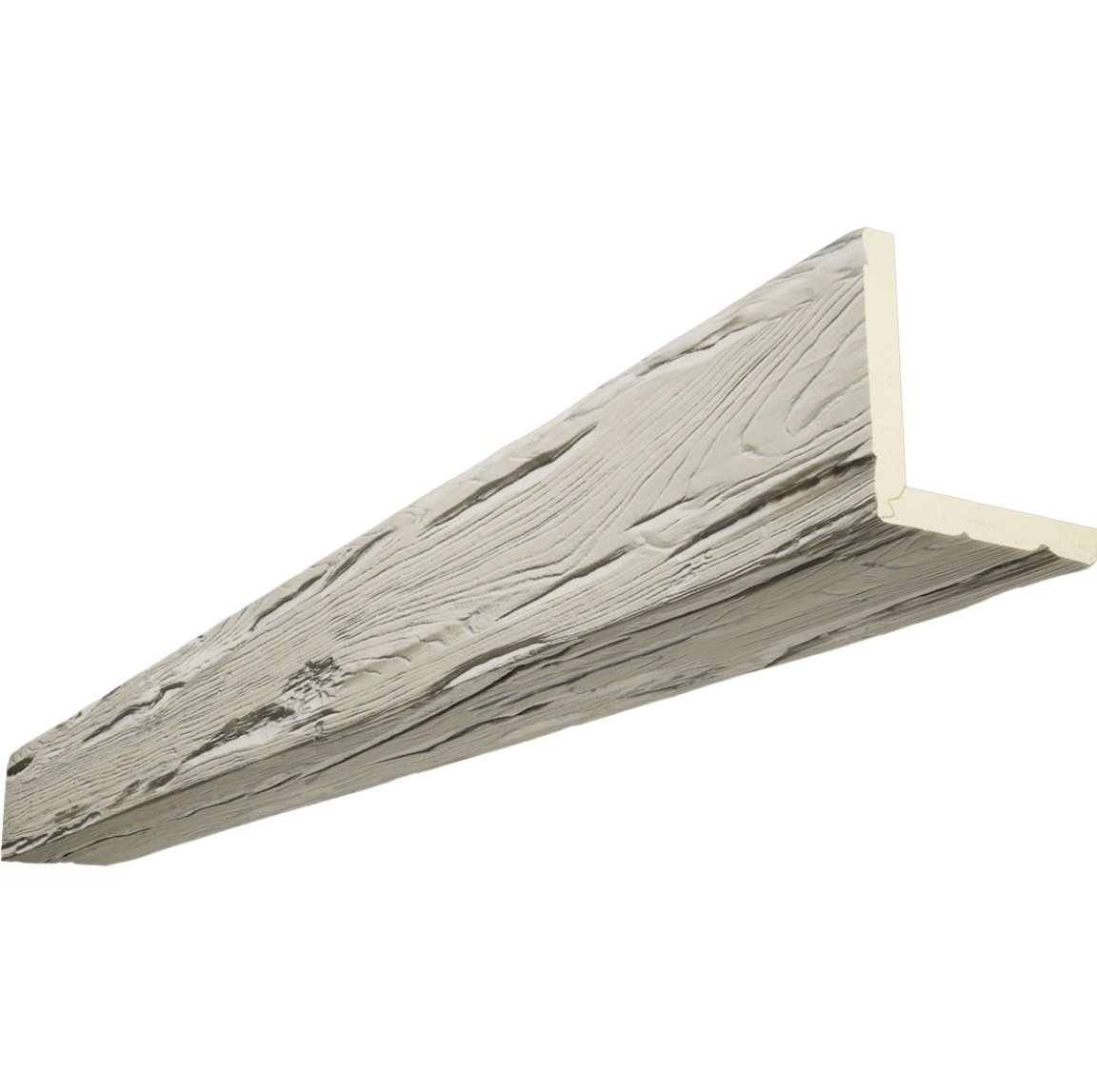
Installing Cable Channels in Faux Beams
There are two approaches to incorporating cable channels into a faux beam installation: using beams with factory-installed channels, or creating channels during the on-site installation.
Factory-installed cable channels are available from some manufacturers as a custom option. These beams are molded or routed with a continuous channel—typically half an inch to one inch wide—running along the back face of the beam. The channel is covered by a removable strip that provides access for running cables and can be replaced after installation for a clean appearance. This approach produces the most professional result and is recommended for installations where the cable management system will be actively used.
Creating an on-site cable channel requires mounting the beam with a gap between its back face and the ceiling, then running cables through that gap. This approach works well when the beam is being mounted on furring strips or blocking that creates a natural channel space behind it. The beam appears flush with the ceiling from below, but the space behind it serves as a continuous cable runway.
For beams mounted directly against the ceiling, a shallow channel can be routed or carved into the back of the beam using a rotary tool or router, taking care not to penetrate through the beam's side walls. The channel should be deep enough to accommodate the cables without forcing them against the beam's back surface, and it should run continuously from one end of the beam to the other to allow cable runs to pass through unimpeded.
Running Cables Through Beam Channels
Once the channels are in place, running the cables is straightforward but requires care. Use cable ties or Velcro straps to bundle cables together at regular intervals, keeping the bundle organized and preventing individual cables from tangling or crossing in ways that could create interference between signal types.
Keep power cables and low-voltage cables in separate bundles or on opposite sides of the channel. Running power cables adjacent to data cables can induce interference in the data signal—a particular concern for audio and video cables. Maintaining separation throughout the cable run prevents this issue.
Leave service loops at both ends of each cable run. A service loop is six to twelve inches of extra cable coiled at the fixture end and the origin end, providing slack for future servicing, device repositioning, or cable replacement without disturbing the beam installation. Secure these loops with cable ties so they don't sag or shift inside the channel.
Label every cable at both ends using a label maker or printed label. In a room with multiple cables running through a concealed channel, identifying which cable is which without labels is nearly impossible. Proper labeling at the time of installation prevents hours of frustration when future servicing is needed.
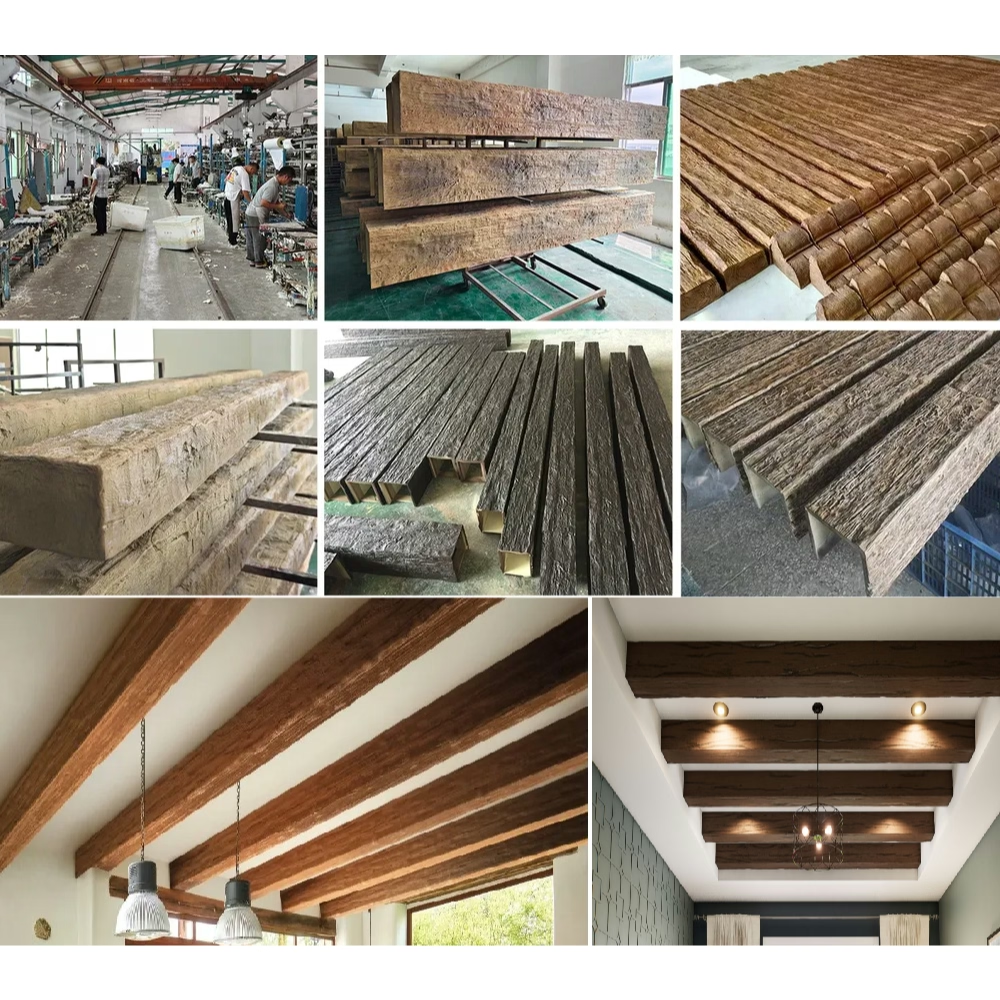
Maintaining and Accessing the Cable System
A cable management system built into beams should be designed for access. If the channel is concealed by a removable cover strip, access is straightforward—the cover is removed, cables are serviced, and the cover is replaced. If the channel is concealed behind the beam with no access panel, the beam may need to be partially removed for servicing.
For installations where future cable access is anticipated, install removable access panels at strategic points along the beam run. These panels—cut into the beam's side face or back face and covered with a matching trim piece—allow cables to be reached without removing the beam entirely. The panels should be positioned in inconspicuous locations, such as inside routed decorative channels or near the beam ends where they'll be hidden by trim or furniture.
Periodically inspect the cable channels for dust accumulation, cable wear, or pest activity. Cables run through concealed ceiling spaces can attract dust and, in some environments, insects or rodents that use the channel as a pathway. Sealing the channel ends with foam or mesh grommets prevents pest entry while still allowing cable runs to pass through.

Integrated cable management in faux timber beams is one of the most practical design decisions you can make in a modern interior. By planning the cable routing during the beam design phase and implementing a proper channel system during installation, you can create a room that is as functional as it is beautiful—a space where every device has power and connectivity without a single visible wire.
Technical References
ASTM standards cited in every specification
Test Data
Lab results from internal testing program
Updated 2026
Reviewed against current product specs